PDF Export
Export chart as PDF
Export the Mandala App chart data as a PDF file.
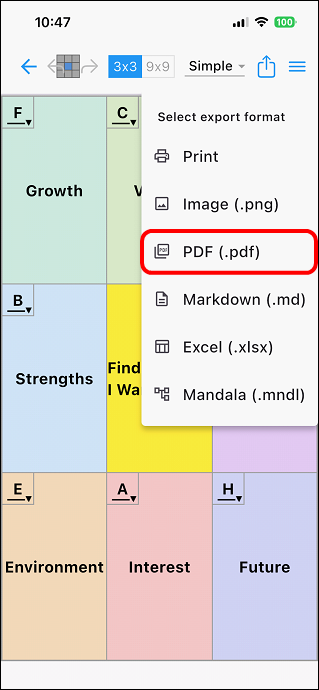
Tap the icon [ ] in the upper right corner of the editing screen.
Next, tap [PDF (.pdf)] from the drop-down list.
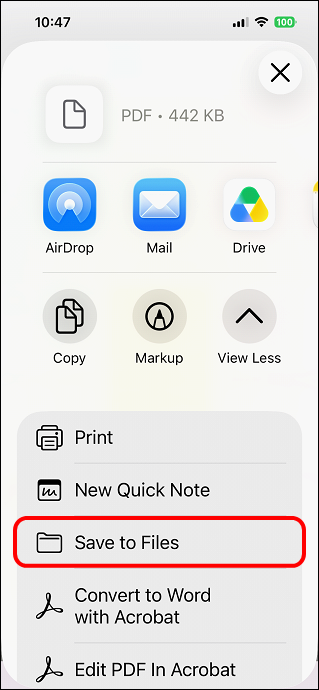
Specify the save location and save the file.
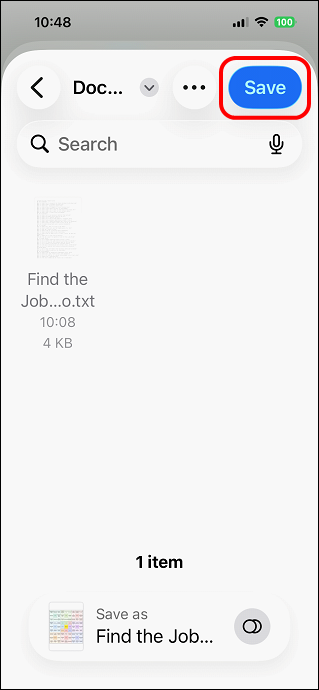
It will be saved in the location you specified.
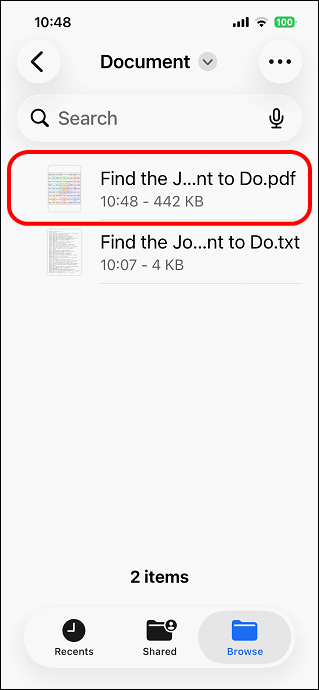
It can be used as a PDF file on mobile devices or PCs.
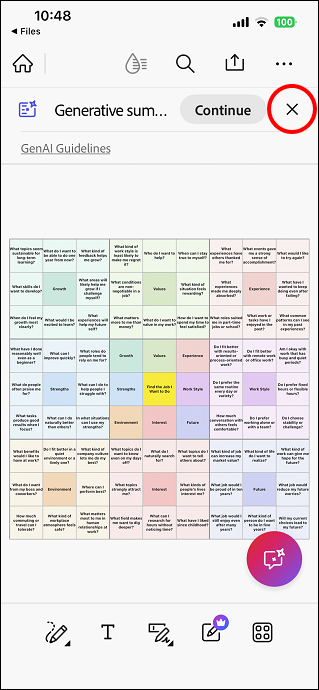
* Progress icons are not displayed.