Chrome Web Store (Adding extensions)
The Mandala App Web version can be installed from the Chrome Web Store.
It is set up as an extension, and login is automated when it is run.
● How to set up extensions
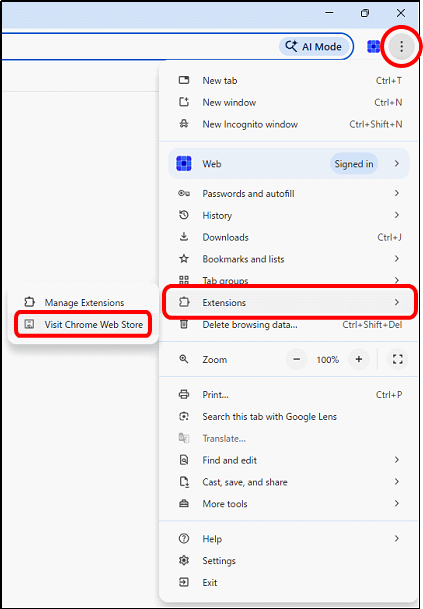
From the three-dot menu in the upper right corner of the Chrome browser,
click "Extensions" and then "Visit Chrome Web Store".
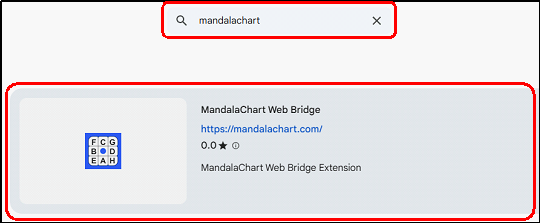
The Chrome Web Store will appear. Enter "mandalaManager" in the
search bar at the top and search. "MandalaManager Web Bridge"
will appear, so click on it.
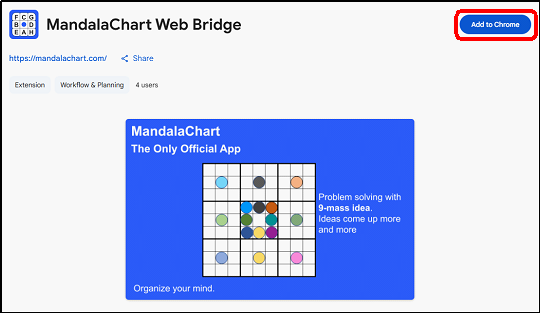
Click "Add to Chrome" in the upper right corner.
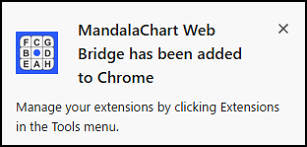
The following pop-up will appear, and the extension will be added.
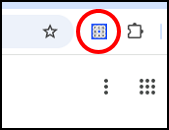
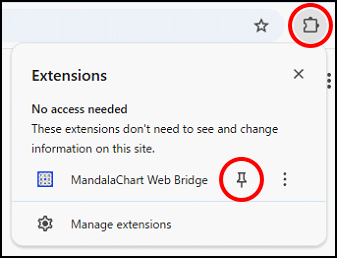
Click the "Extensions" icon in your browser's toolbar, and the added "MandalaManager Web Bridge" will appear. Click the "Pin" icon to add it to the toolbar.
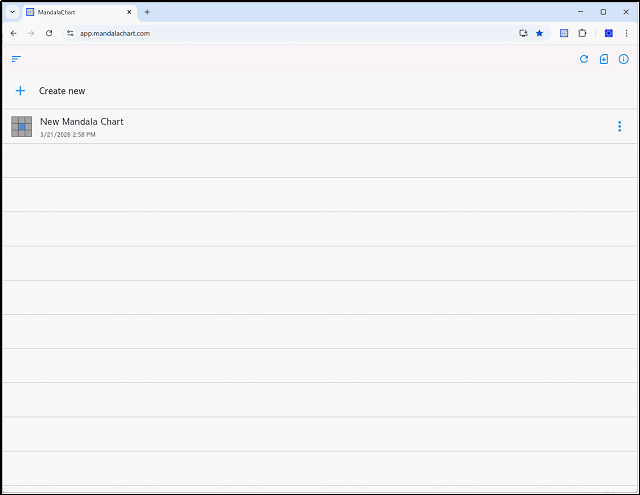
Clicking the newly added Mandala icon will automatically log you in
and open the Mandala Web application.