Swap Cell
If you want to swap the positions of the cell, you can swap the cell in the same hierarchy.
If you press and hold the cell you want to move, that cell will pop up.
(In the image, replace the "home" of the D-cell with the "learning"
of the G-cell above.)
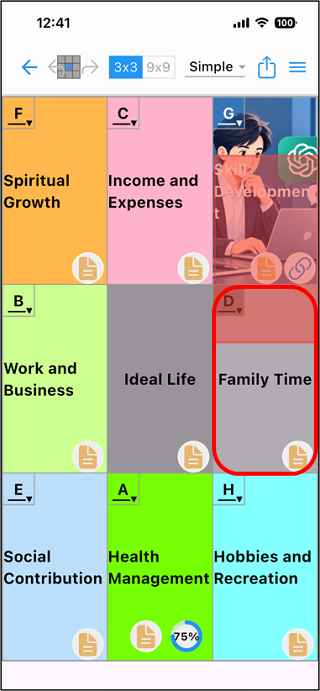
If you release it at the position of the cell you want to move, it will
be swaped.
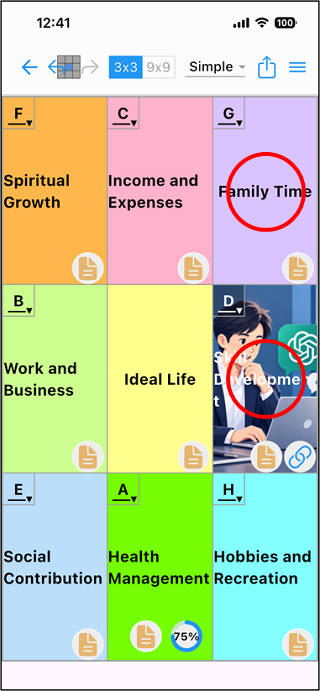
When you swap in the upper layer, the related lower layer moves with it.