Image Export
Export the simple layout 9x9 chart as an image (png format).
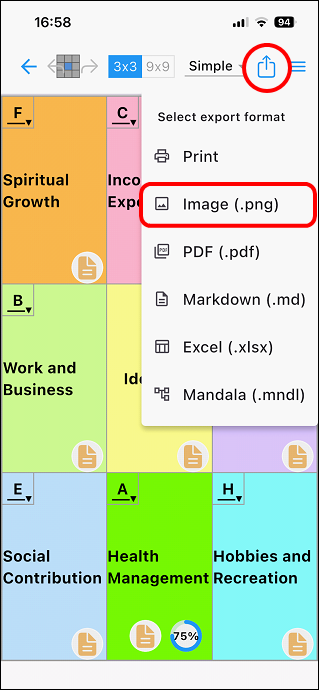
Tap the export icon [ ] in the top right of the editing screen.
A pop-up window will appear to select the file format. Tap [Image (.png)].
Here, it is saved to the photo folder.
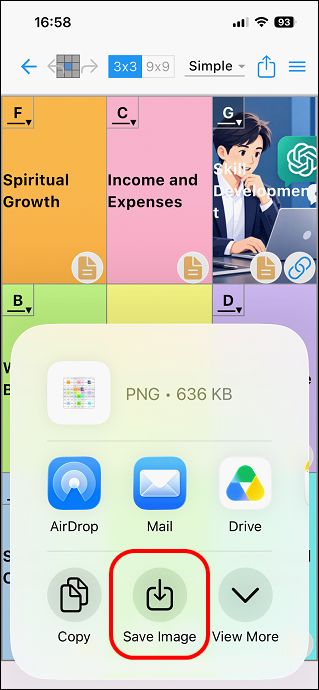
It will be exported as an image (png) file.
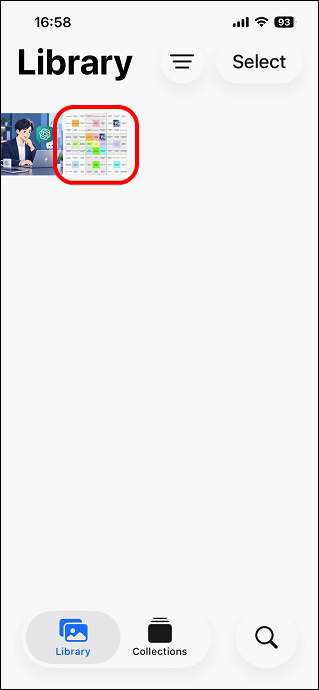
This will output the entire 9x9 display in a simple layout.
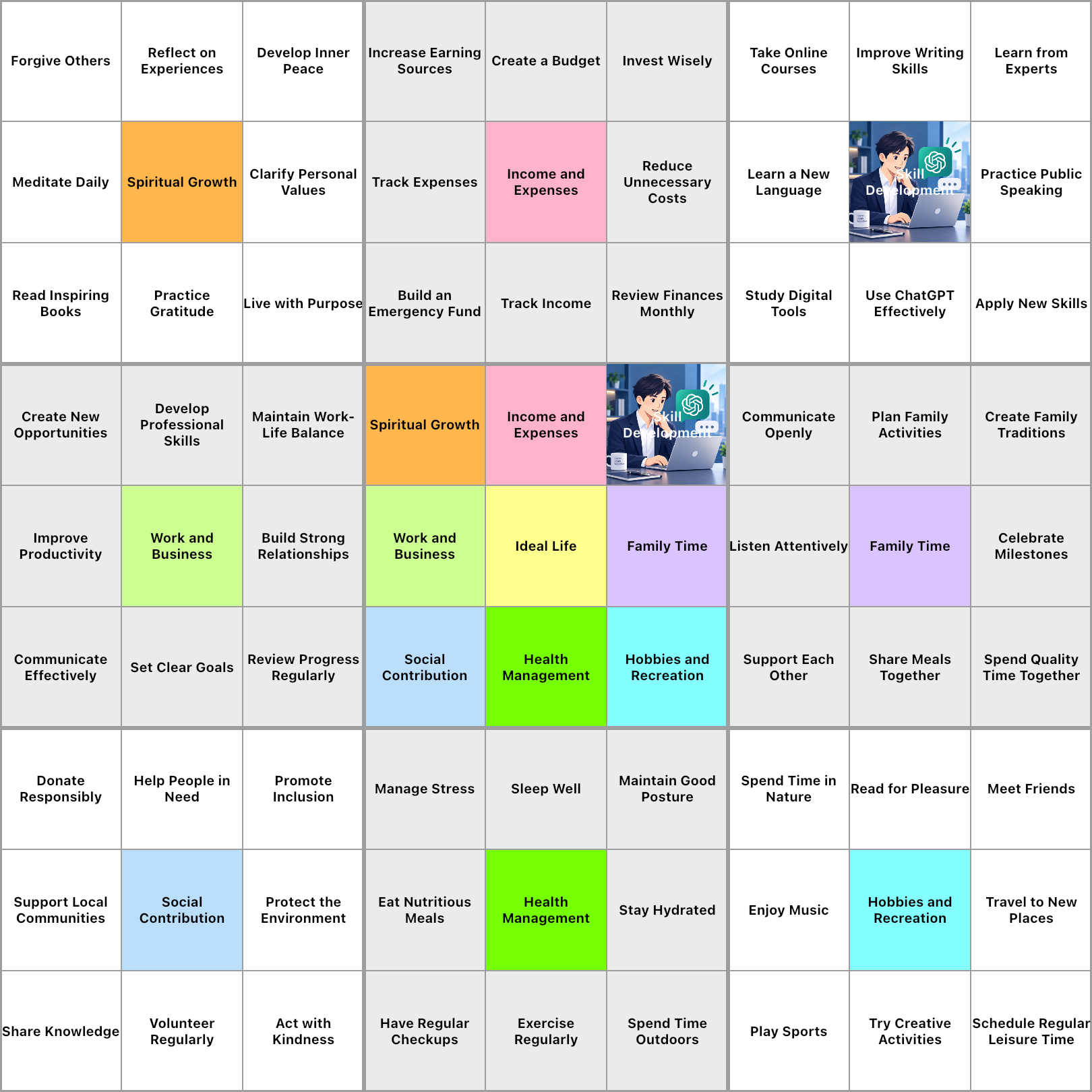
Clicking on the image will open the actual output image file.