Create New
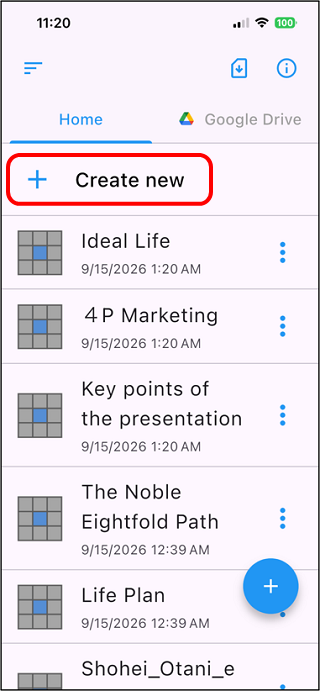
Tap "+ Create New" in the upper left of the file list screen.
If you want to manage your chart files in Google Drive, tap "Google Drive" and then tap "+ Create New."
(The Web version is created and stored only in Google Drive.)
*For information on the Google Drive environment, see "Data environment"
Note: The free version can create up to 3 charts.
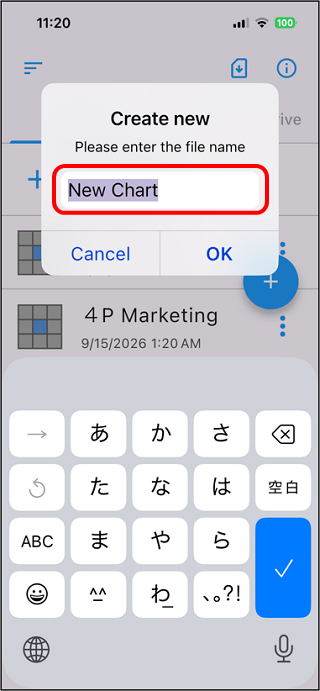
The following pop-up will be displayed, so enter the file name of the new
chart. You can change the file name later.
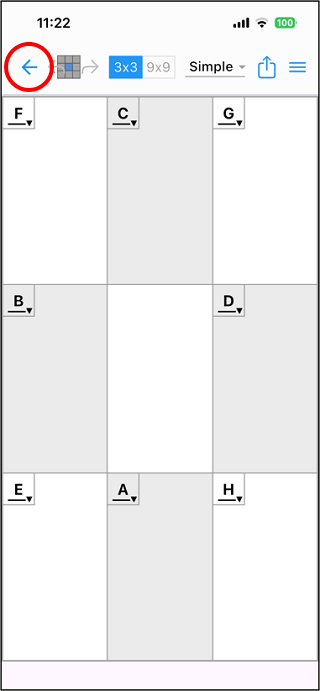
Enter the file name and tap "OK" to display the mandala chart
edit screen (3x3).
When you have finished inputting, tap " " at the top left of the screen to return to the file list.
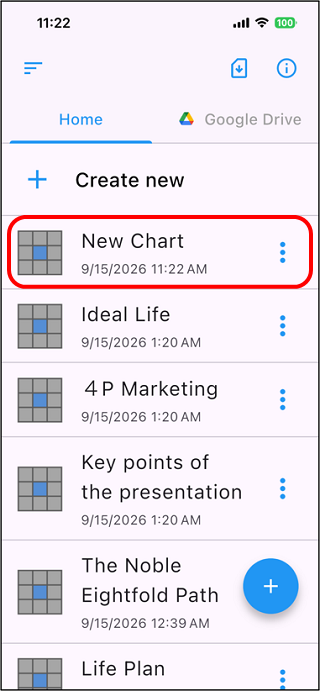
The file will be added to the file list.