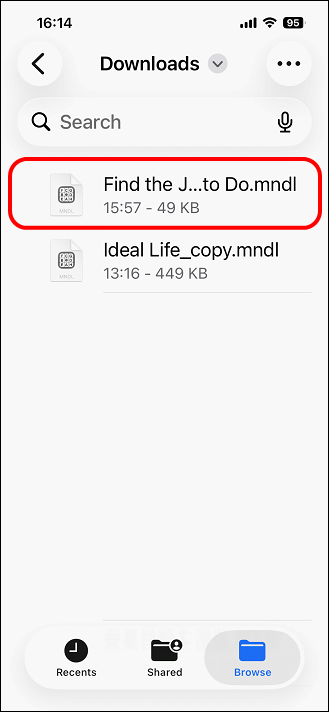
Data Export (Pro version only)
Export the chart data of Mandala App as an original file (extension .mndl).
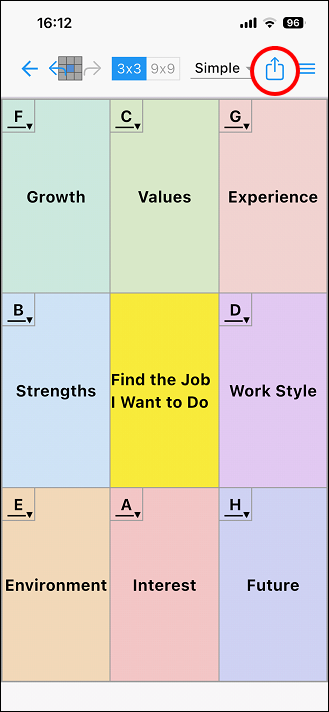
Tap the export icon in the upper right corner of the editing screen.
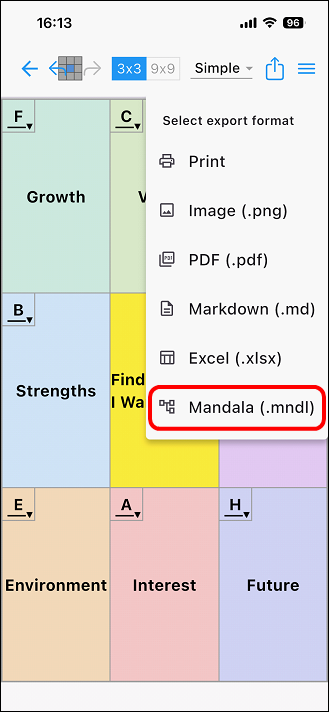
A pop-up window for selecting a file format will appear. Tap [Mandala
(.mndl)].
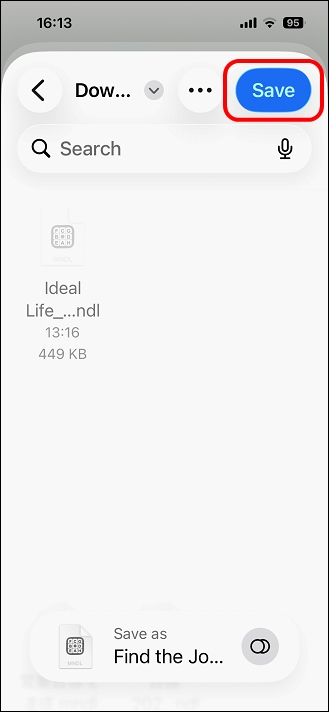
Specify a location to save the file and tap [Save].
It will be saved in the location you specified.
This file will be available for import.