Cell Coloring
You can set the color of each cell as you like.
This allows you to emphasize specific cells or identify each cell by color.
First, tap the cell for which you want to set the color. Here, set the
color of A cell "Health Management".
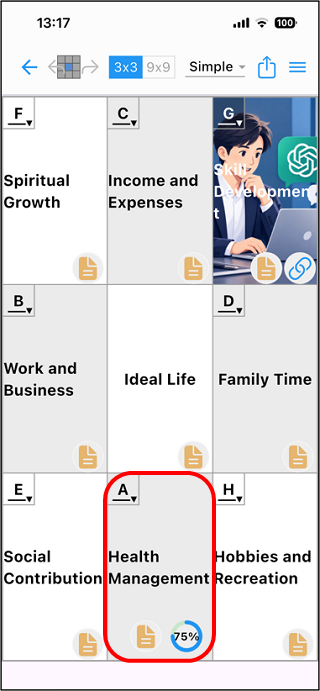
The cell edit mode is entered, and the color setting icon is displayed
at the bottom. Tap this icon.

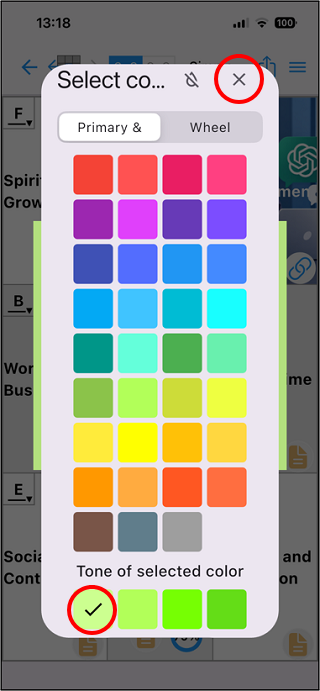
The color specification palette screen "Select the Color" is
displayed. Specify any color and tap "x" on the upper right.
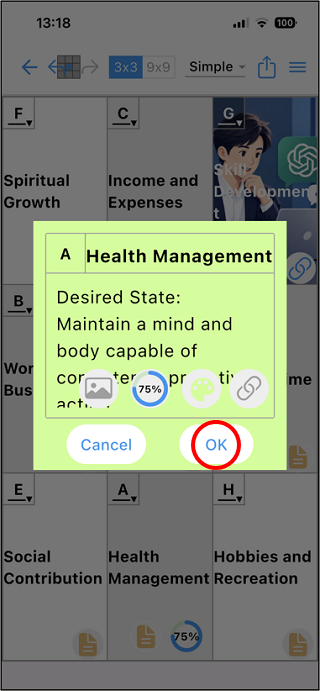
A confirmation screen will be displayed, so tap "OK".
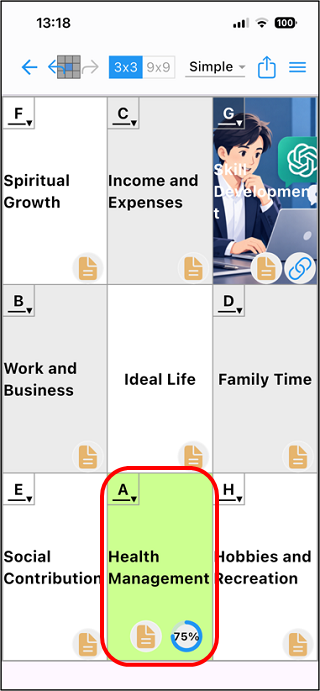
The cell is filled with the specified color.