Sign in (Web version only)
The Mandala App Web version requires login to your Google environment.
* If you have a pop-up blocker enabled in your browser,
please allow "https://app.mandalamanager.com/".
* If you have installed the app as a Chrome extension from the
Chrome Web Store,you will be automatically logged in.
Also, you do not need to allow the pop-up blocker as described above.
1. Sign in to the Web App
Access the web app URL "https://app.mandalamanager.com/"
Click the "Sign in as Web" button that appears.
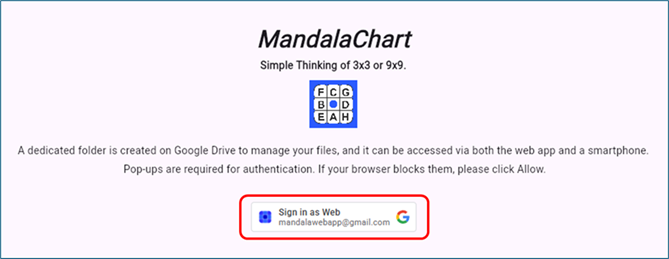
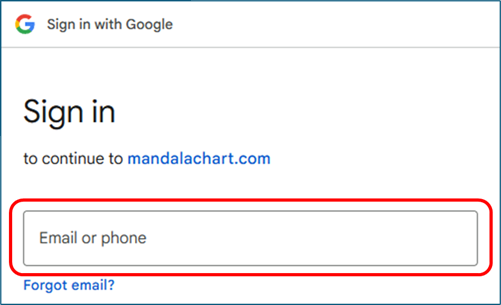
The Google sign in screen will appear, so enter your Google account
(email address).
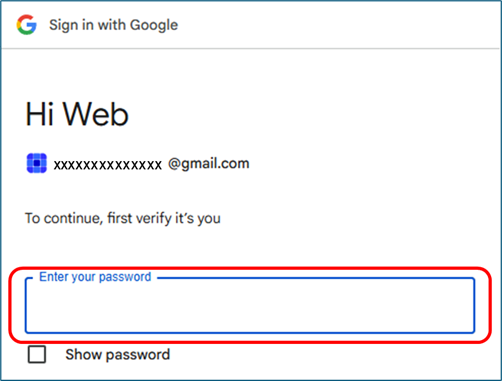
Next, enter your password.
From the second time onwards, you can skip this step by selecting
your account from this pop-up screen.
2. Confirm Google Drive access (if prompted)
After "Sign in with Google," the "Allow access to Google Drive"
message will appear.
Click it.
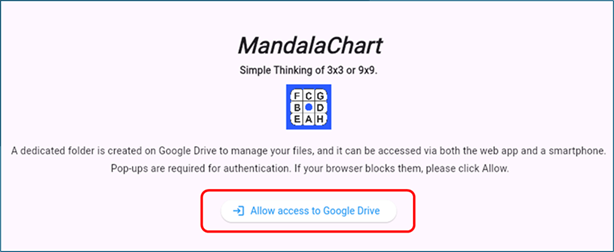
As in step 1, log in with your Google email address and password.