Website
You can organize information from a website into a MandalaManager.
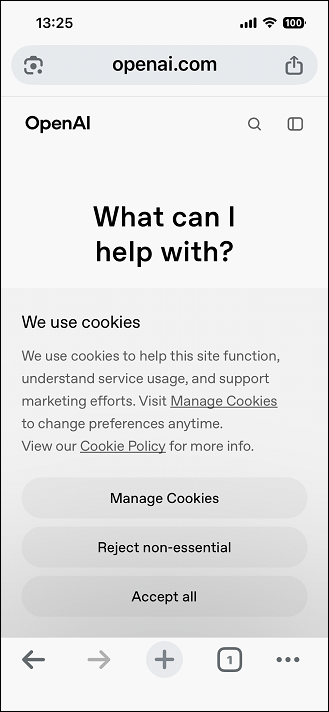
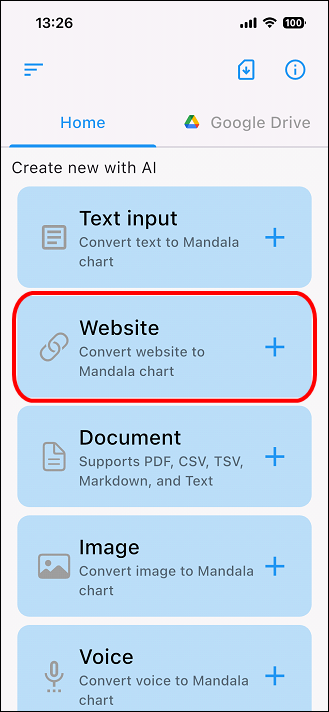
For example, to organize information from the OpenAI website in MandalaManager, tap "Website" on the home screen and enter the website's URL.
Tap "Website" on the Home screen.
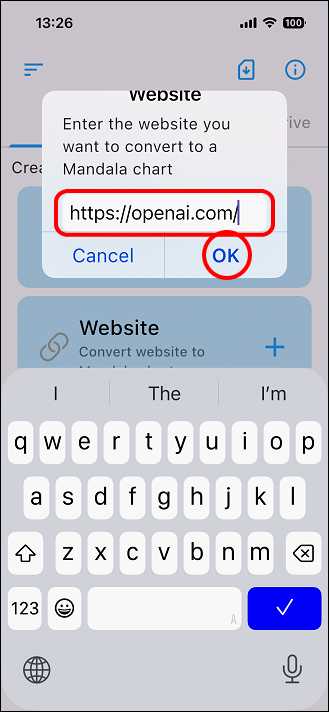
Enter the site URL and tap "OK."
You can easily enter it without making any mistakes by copying and pasting it from the site.
Content generation begins.
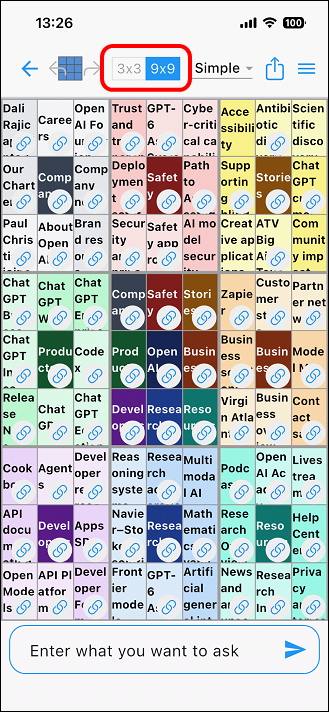
Once the content generation has finished, you will enter edit mode, where you can add or modify content.
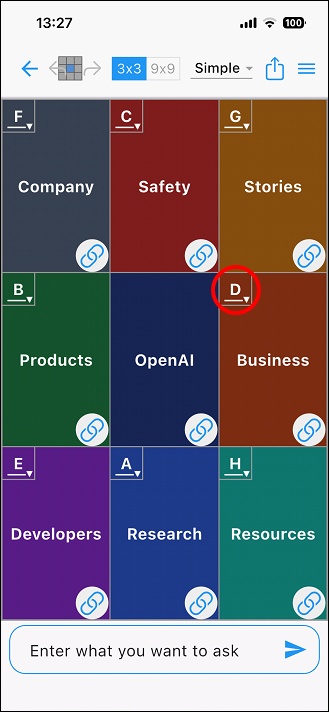
Tap the "3x3 | 9x9" switch icon at the top to display the 9 central squares in 3x3.
The display has switched to the 3x3 style.
Expand the "Business" link in the "G" cell.
Tap the link icon for "G" cell.
 1
1
Try tapping the Business Overview link.
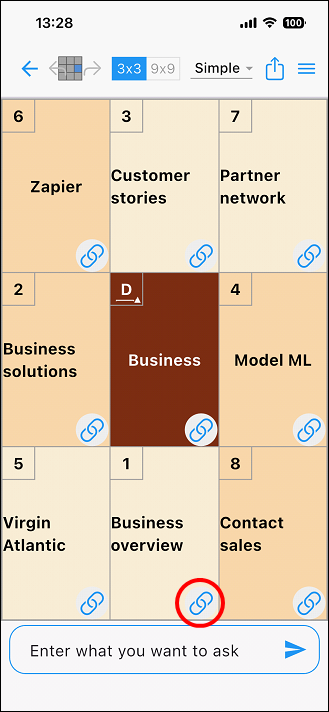
The OpenAI website has appeared.
Tap the "×" in the top-left corner to go back.

To return to the home screen, tap the arrow icon in the top left of the
edit screen.
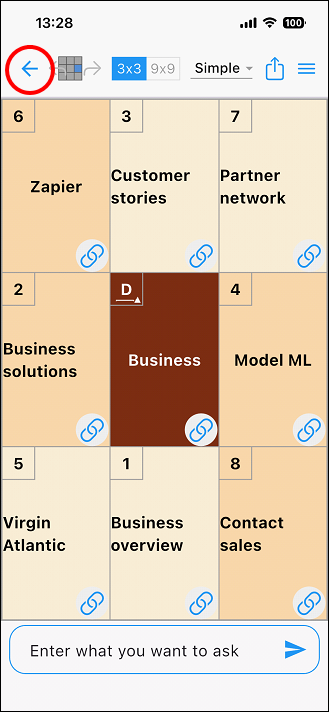
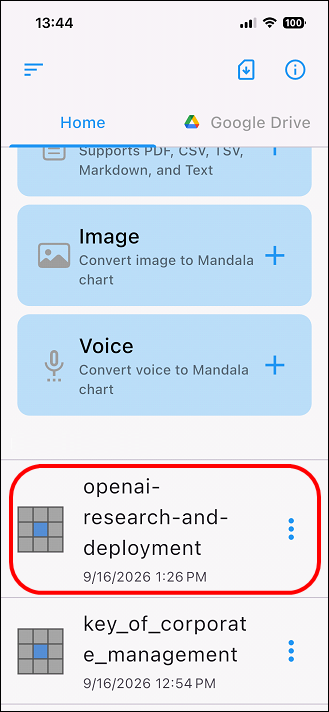
The generated chart files will be displayed in order of most recent at the bottom of the home screen.
To view or edit a chart again, tap the relevant chart from this chart list.
When you update the file, it will be displayed at the top of the list.
You can change the file name or delete it by clicking the three-dot icon to the right of the chart name in the list.
Please refer to the operation guide of the standard app for how to edit the generated chart file. (There are some differences in the home screen, etc.)