Editing (AI-assisted editing)
You can provide instructions to modify the entire generated chart.
You can also modify charts that have already been saved by opening them.
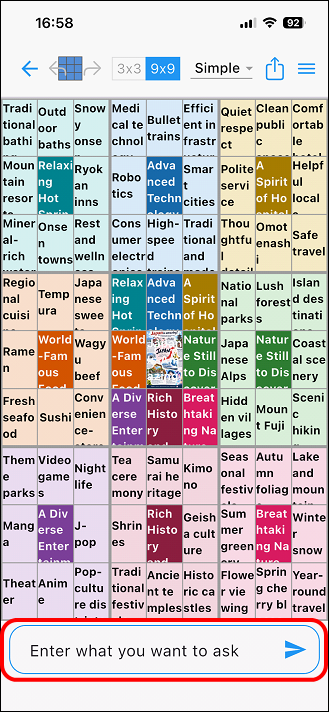
Tap the question field at the bottom of the chart.0
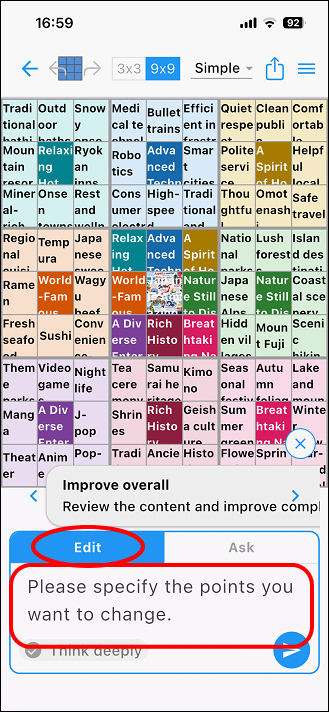
You will see options for "Edit" and "Ask"; tap "Edit."
Enter your text in the field labeled "Please indicate the point you wish to edit."
Tap the execute icon at the bottom right to apply the edit.
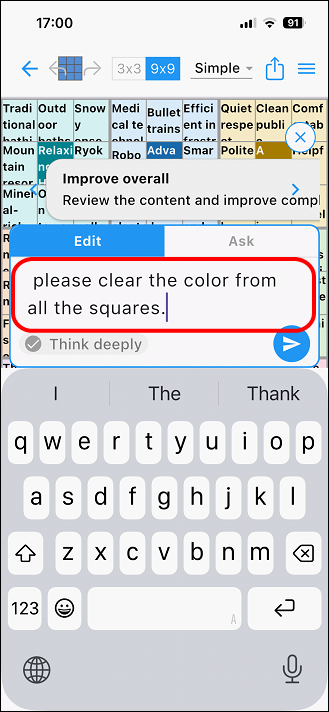
I will enter "Please clear the color from all the cells" and
run it.
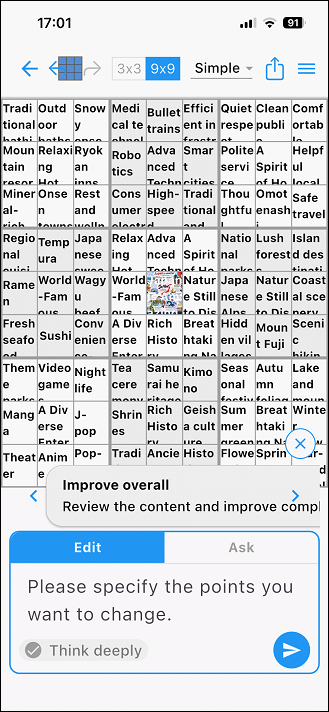
The colors of all the cells have been cleared (reset).